|
 Phase
One: Discovery Phase
One: Discovery

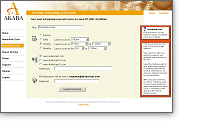 PointScan™ user initiates a scan while logged in securely
using an SSL-enabled browser.
PointScan™ user initiates a scan while logged in securely
using an SSL-enabled browser.
PointScan™ first identifies all machines in your network
that are visible from the Internet, such as web, mail or file
servers, firewalls, routers, switches and desktop PC's. PointScan™
then discovers the services that each machine offers, the
type of operating system and the versions of each publicly
accessible application.
|





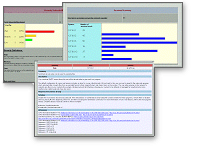 Each service and application discovered in phase one is cross-referenced
to an extensive database to generate a list of potential vulnerabilities.
For example, if a machine is running Windows and offering
web service, a list of Microsoft IIS vulnerability checks
is enabled.
Each service and application discovered in phase one is cross-referenced
to an extensive database to generate a list of potential vulnerabilities.
For example, if a machine is running Windows and offering
web service, a list of Microsoft IIS vulnerability checks
is enabled. 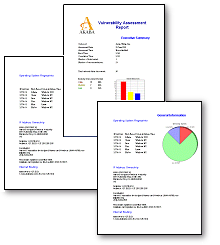 PointScan™
provides reports tailored to each role in your enterprise:
PointScan™
provides reports tailored to each role in your enterprise: